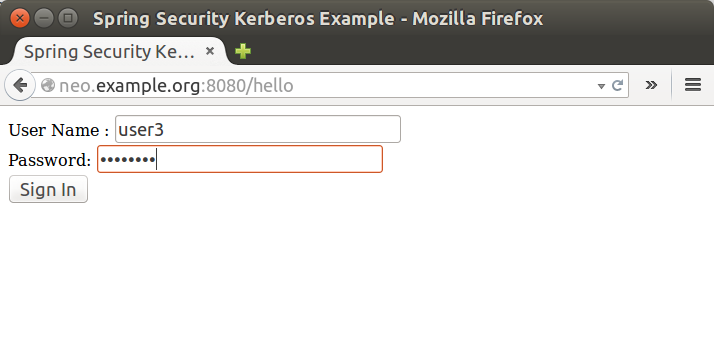
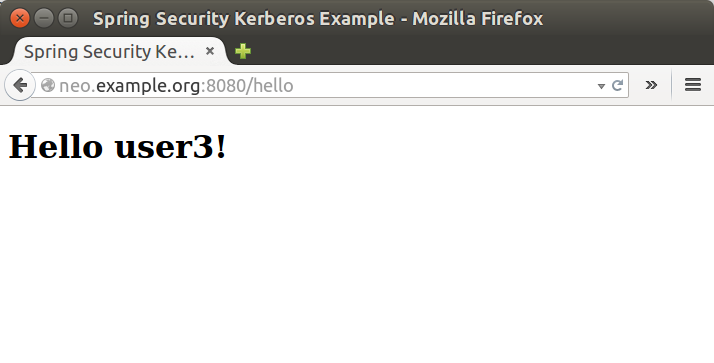
Goals of this sample:
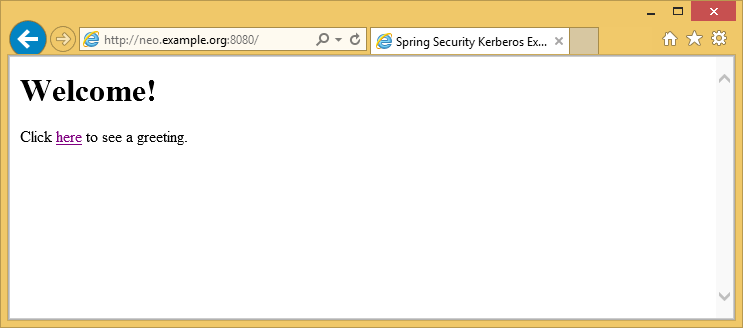
- In windows environment, User will be able to logon to application with Windows Active directory Credential which has been entered during log on to windows. There should not be any ask for userid/password credentials.
- In non-windows environment, User will be presented with a screen to provide Active directory credentials.
server:
    port: 8080
    app:
        ad-domain: EXAMPLE.ORG
        ad-server: ldap://WIN-EKBO0EQ7TS7.example.org/
        service-principal: HTTP/[email protected]
        keytab-location: /tmp/tomcat.keytab
        ldap-search-base: dc=example,dc=org
        ldap-search-filter: "(| (userPrincipalName={0}) (sAMAccountName={0}))"
In above you can see the default configuration for this sample. You
can override these settings using a normal Spring Boot tricks like
using command-line options or custom application.yml file.
Run a server.
$ java -jar sec-server-win-auth-1.0.1.RELEASE.jar
![[Important]](images/important.png) | Important |
|---|---|
|
You may need to use custom kerberos config with Linux either by using
|
![[Note]](images/note.png) | Note |
|---|---|
|
See Section C.2, “Setup Windows Domain Controller” for more instructions how to work with windows kerberos environment. |
Login to Windows 8.1 using domain credentials and access sample

Access sample application from a non windows vm and use domain credentials manually.